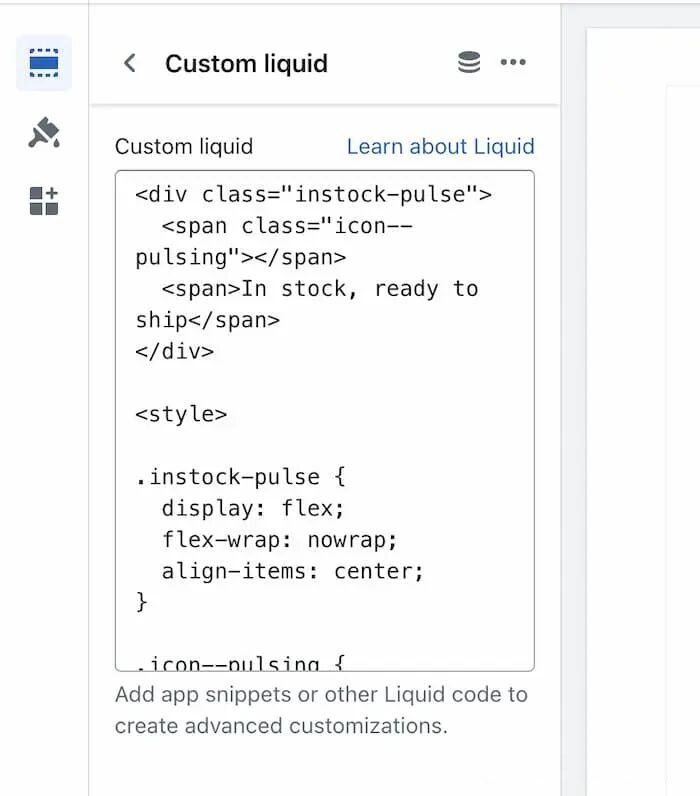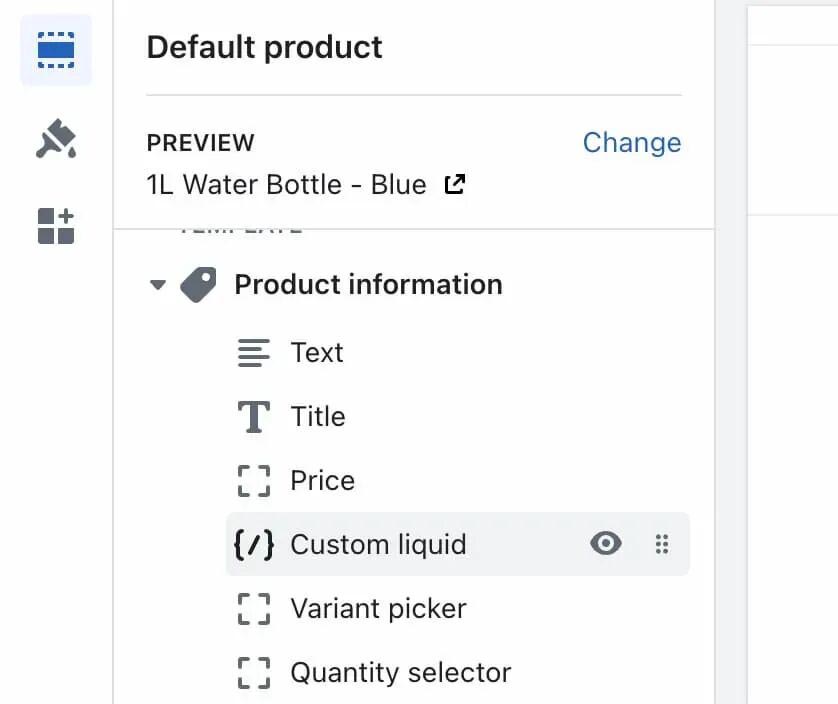
This is probably the easiest place where you can start coding. I always use custom liquid sections and blocks in my tutorials, and I use them whenever I want to test some liquid code and see an immediate output.
模块和区块的自定义Liquid的编程应该是最简单的。在我的教程里面我也一直使用模块和区块的自定义Liquid编程。当我们需要测试一些liquid代码的时候,在这两个地方的修改,会立即就能看到前台的改变。
They are great for keeping your theme clean because all this code is saved in your JSON files as theme settings. That means they should work well with automatic updating, as they will be carried across to the new theme copy.
模块和区块的自定义Liquid编程也可以保证我们主题代码简洁,因为这部分的修改都会作为主题设置存储在JSON文件里面。这也意味着这些修改可以自动更新,也可以在迁移到最新的主题版本。
The only downside of this method is that if you delete the block or section in the theme customizer, you will lose all that code. For this reason, always keep a backup!
从这里修改的唯一缺点是如果我们在主题编辑器里面删除了这些模块或者区块,这些代码也会丢失。因此我们需要对修改后的代码进行备份。
🎁Note: I’ve seen some confusion about the name “custom liquid”. Really you can use all the languages in here. Just put your styles in <style> tags and javascript in <script> tags. And of course mix HTML and Liquid code as much as you like.
注意:我经常看到很多人对于什么是自定义liquid很疑惑。事实上我们可以在这部分综合使用各自编程语言。如下图所示,我们可以看到我们把HTML、liquid等结合起来了。我们把样式写在<style>标签之内,把javascript写在了<script>标签里面。