The locales folder are where your language settings are kept. You generally never need to edit any code here.
在Shopify里面,语种设置都包含在本地化文件夹里。一般来说我们不需要编辑其中的代码。
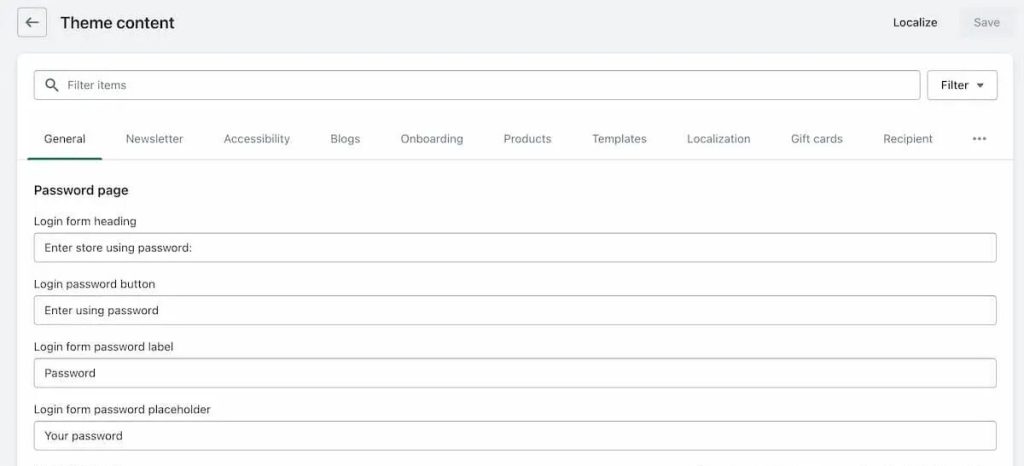
You can edit your language by going to Online Store, and clicking “Edit default theme content” on the actions dropdown for any theme.
如果要修改语种,我们可以去网站里面,点击“编辑主题默认内容”。如下图所示。
In the locales folder each language has:
在本地化文件夹里每一个语种都包含以下2个内容:
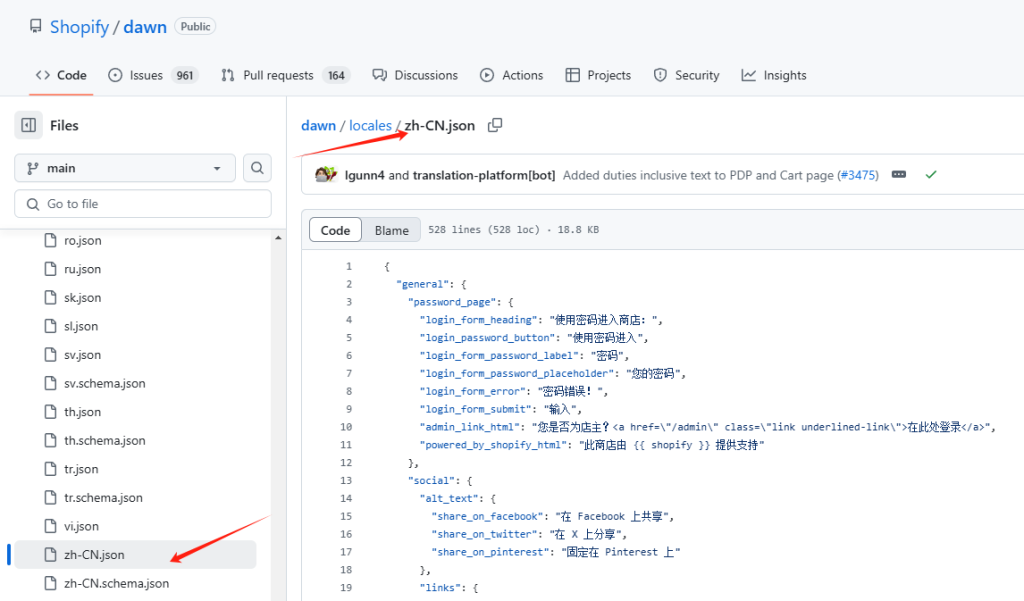
- a schema file to create the fields
一个摘要文件来创建区域
- a json file that saves the settings
一个JSON文件存储设定值
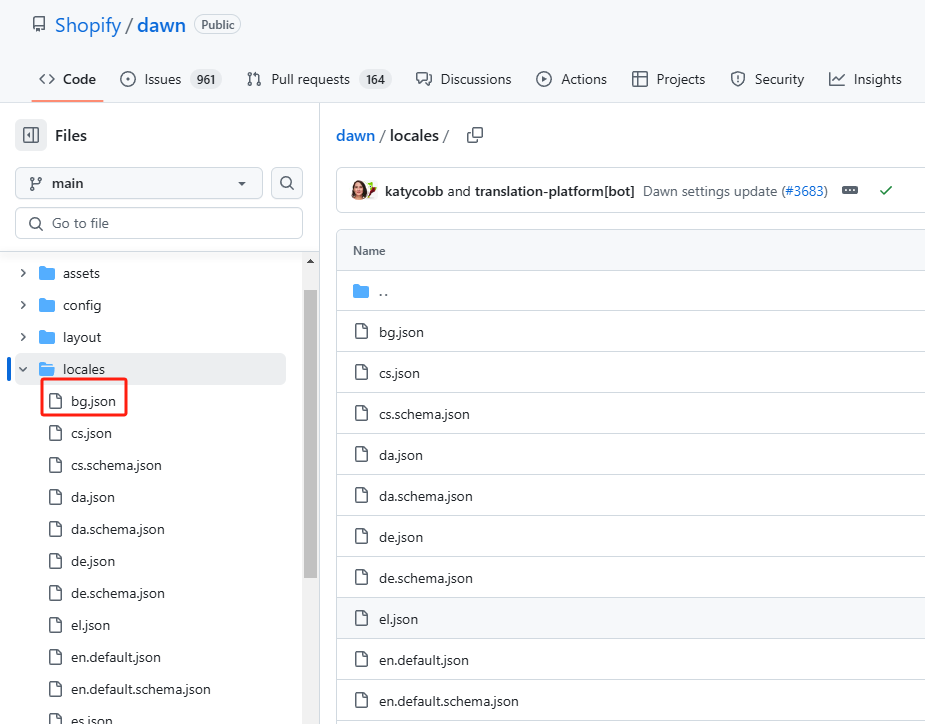
Your theme comes with lots of languages pre-made, and all of these are kept in the locales folder.
我们的主题里面有很多预设的语种,所有的这些语种都存储在本地化文件夹里面。





